FyreChat
FyreChat is a binary chat application developed from FyReBoT source. It connects to Battle.net — the online service behind classic Blizzard games like StarCraft, Diablo II, and WarCraft III — by speaking the games’ own network protocol, so the server sees it as a real Blizzard game client. That means full chat channels, commands, and account management without ever launching (or even installing) a game.
Does it still work? (tested July 2026)
Yes — logged into live
uswest.battle.netin 2026. What connects depends on whether Blizzard remastered the game:
- ✅ Official Battle.net — Diablo, Diablo Shareware, Diablo II + LoD, and WarCraft II: BNE (with a valid CD key). Diablo II needs a BNLS server that supports Blizzard’s 2019 “CheckRevision 3a” scheme.
- ❌ Blocked on official — StarCraft, Brood War, WarCraft III + Frozen Throne: remaster-era changes (2017/2018) killed the classic logon. These work on a PvPGN server instead (verified on Diablo II) — WarCraft III also needs a small source change to skip PvPGN’s server-signature check.
BNLS server: the old
bnls.netdefault is gone — point FyreChat at a community one:bnls.openfyre.net:9367,jbls.davnit.net, or run your own.
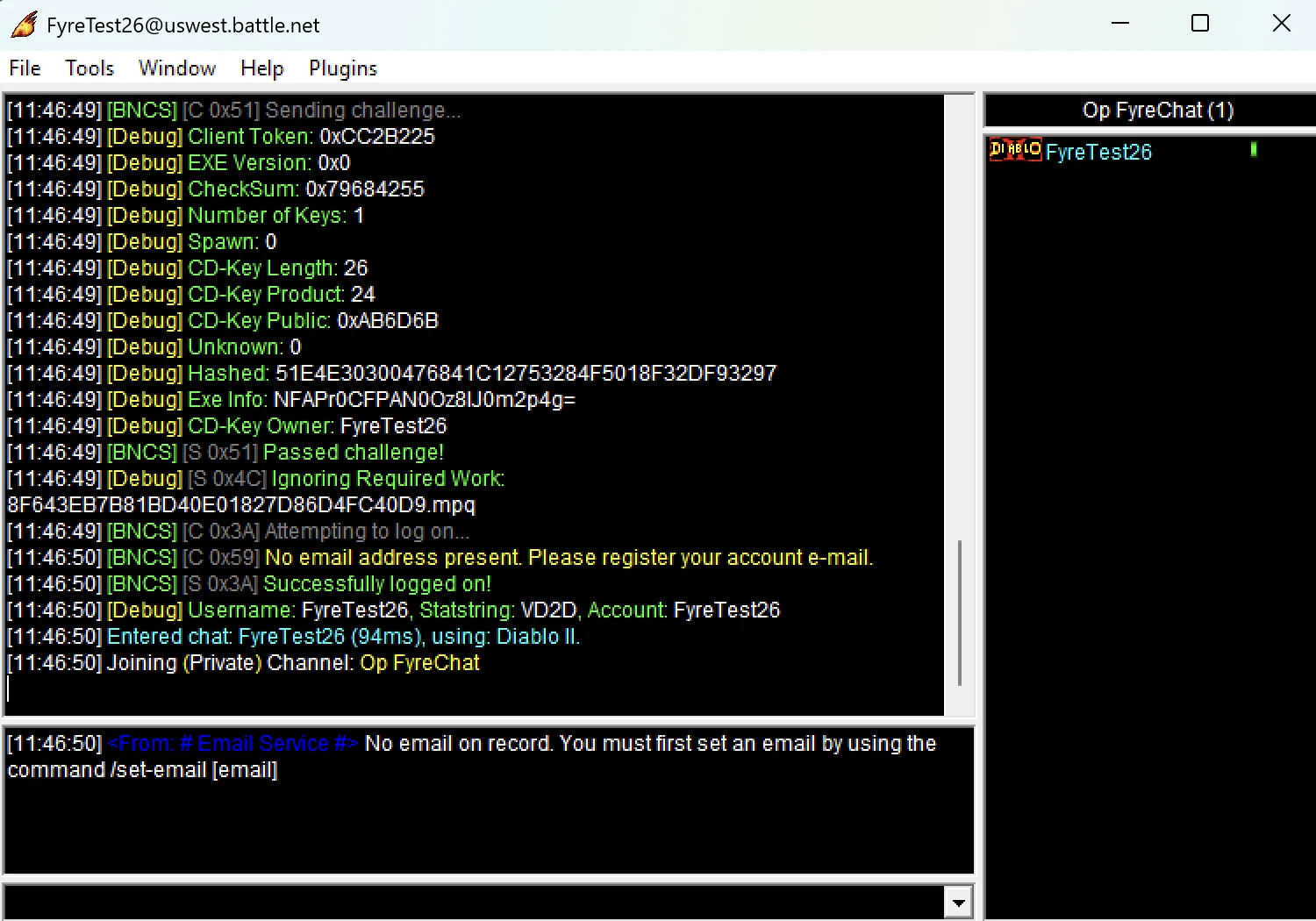
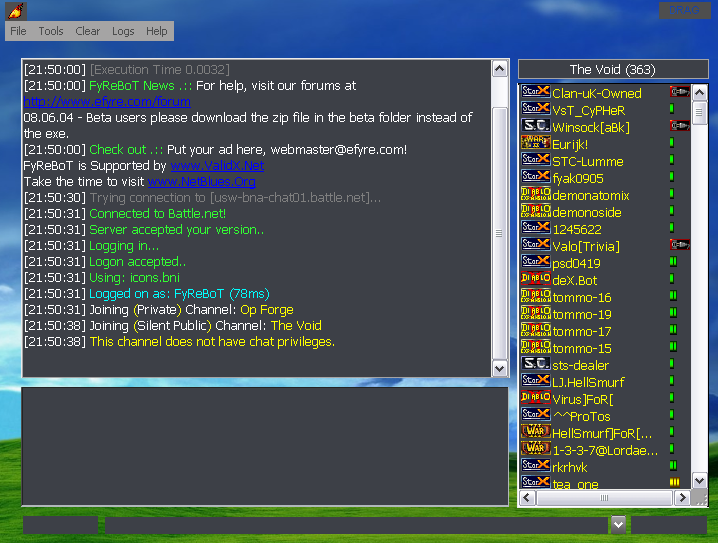
FyreChat logging into the official uswest.battle.net as a Diablo II client — account auto-created and entered chat — July 2026.
Supported Clients
FyreChat can log on as any of these classic Blizzard clients. Most require a valid CD key for the game; Diablo, the shareware clients, and Japanese StarCraft use the old logon and need no key:
| Icon | Client | Icon | Client |
|---|---|---|---|
 | StarCraft |  | StarCraft: Brood War |
 | StarCraft Shareware |  | StarCraft (Japanese) |
 | Diablo |  | Diablo Shareware |
 | Diablo II |  | Diablo II: Lord of Destruction |
 | WarCraft II: Battle.net Edition |  | WarCraft III: Reign of Chaos |
 | WarCraft III: The Frozen Throne |
Features
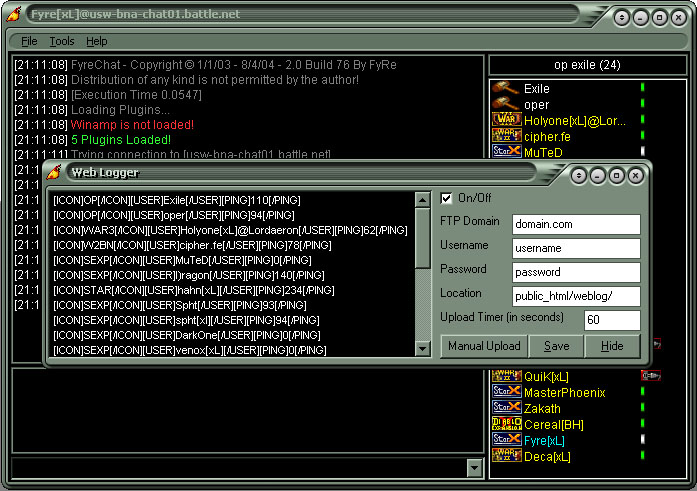
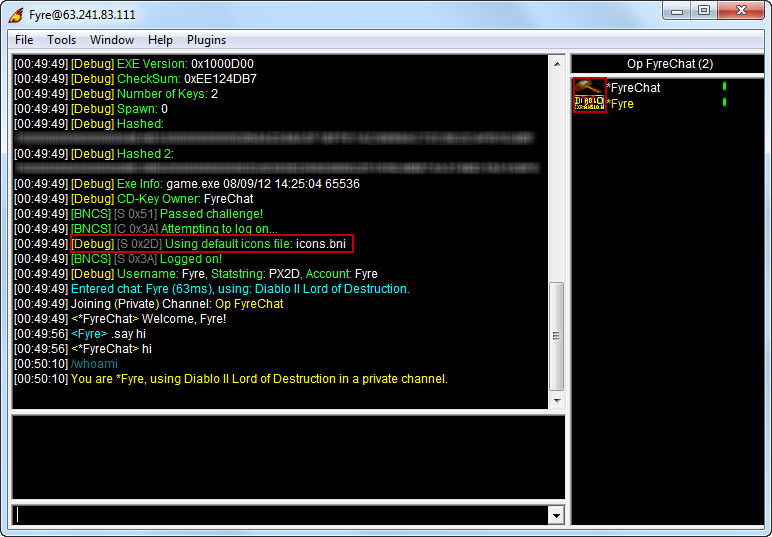
- Icon Loading — displays each user’s game and status icons in the channel list, just like the real clients
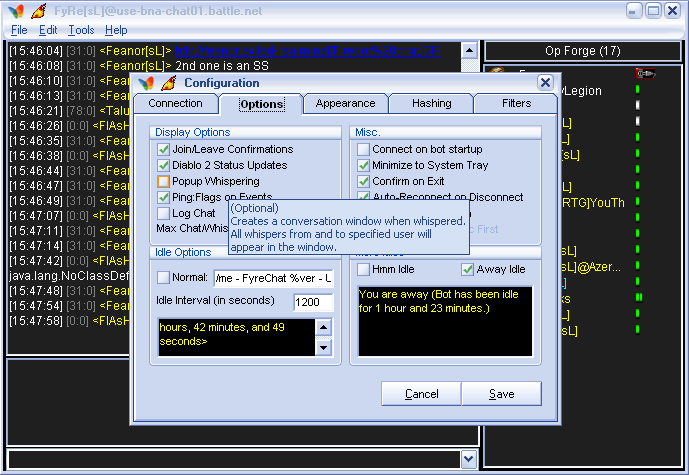
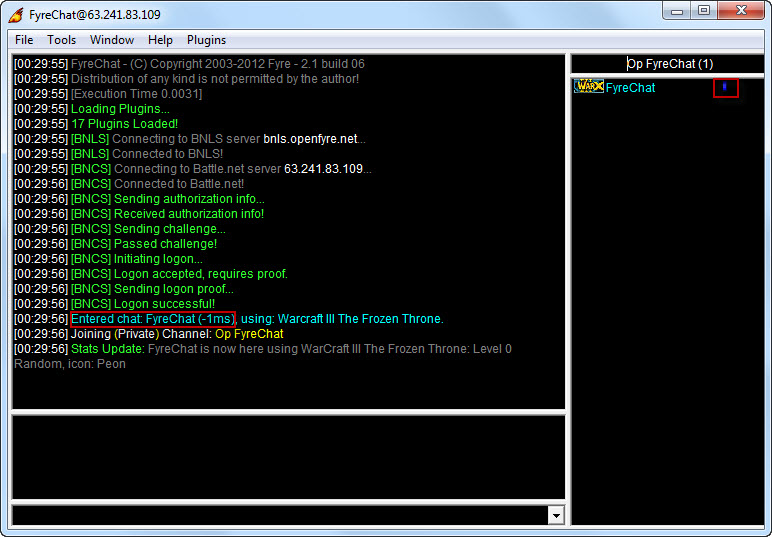
- Spoof Ping — report -1ms or 0ms latency, or wear the UDP Plug (the icon Battle.net gives clients without UDP support)
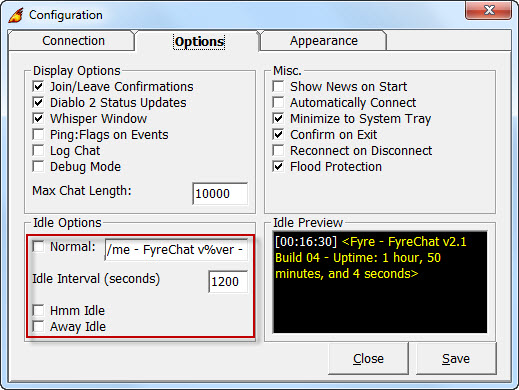
- Custom Idle Messages and Presets — automatically send a message when the channel goes quiet
- Create & Join StarCraft games
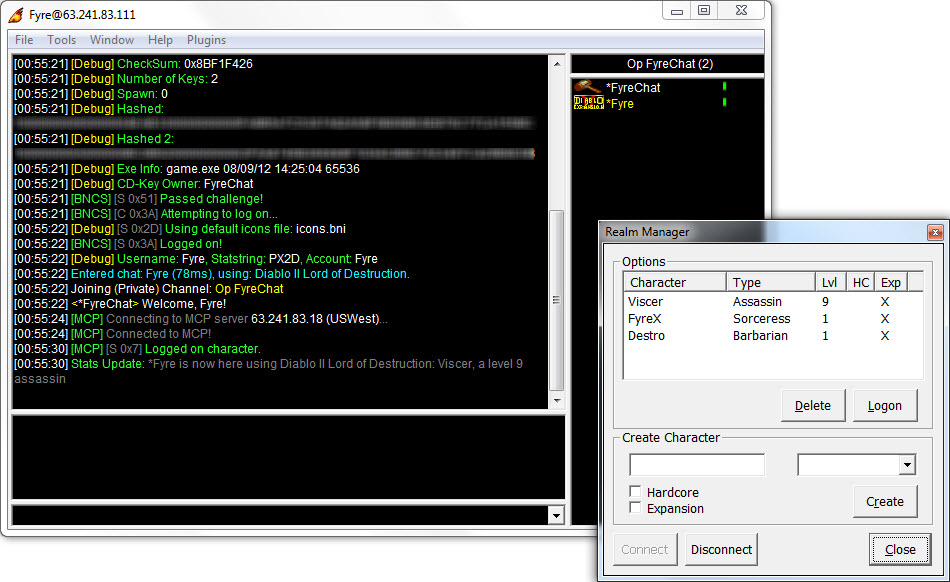
- Manage Diablo 2 characters
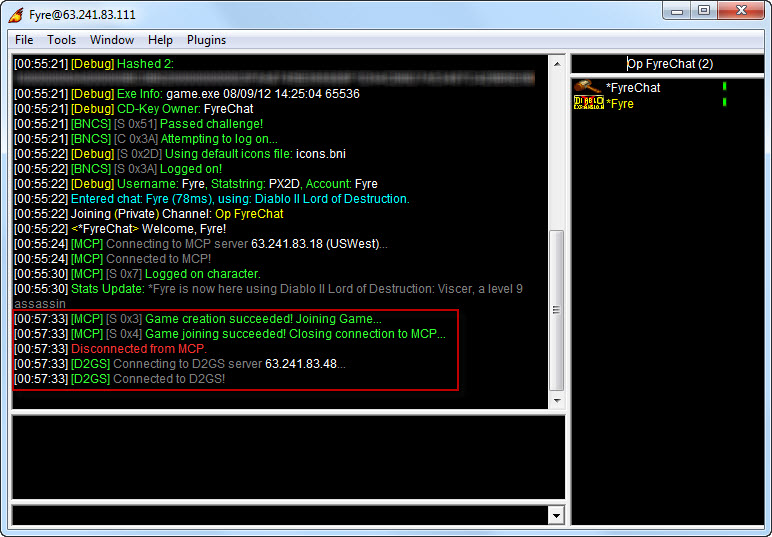
- Create Diablo 2 games (in development)
- System Tray Icon
- Flood Protection — throttles outgoing messages so the server doesn’t disconnect you for spamming
- Logging & Debugging — full packet logging for protocol debugging
- Customize fonts and colors
- Plugins — extend the client with BCP plugins (see below)
- Live Channel List — see who’s in the channel from your browser
- Display Channel Source By venox (Kevin Stacey)
- Archived Channel List

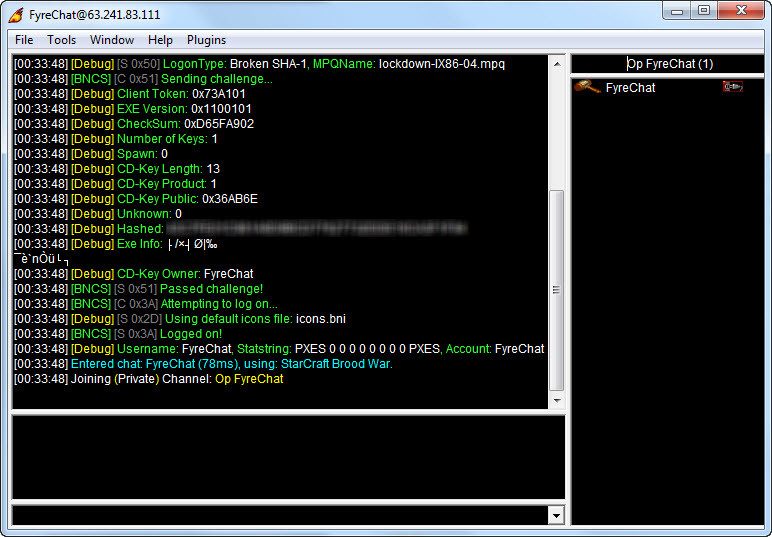
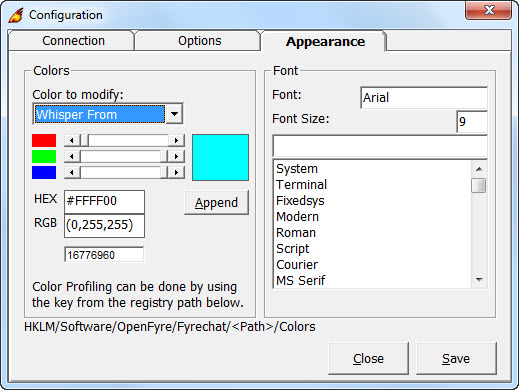
Latest Release
2.1 build 9 (24 August 2012) — password changes on WAR3/W3XP (/changepassword), improved StarCraft and WarCraft II game creation, asia.battle.net logon fix, system tray fix.
Download
Download FyreChat Latest Version - 2.1.09 (08.24.12)
Required Files:
- Visual Basic 6 runtimes
- Visual C++ 7 runtimes (for plugins)
- msinet.ocx (for the web channel list)
Install:
Make sure to install the required files first before attempting to run FyreChat.
- Extract the downloaded zip to a folder.
- Run the FyreChat.exe application.
- Open the Configuration and fill in your information.
- Select the product you wish to log on with and its CD key (if that product requires one).
- Click connect.
Plugins
FyreChat supports BCP (BinaryChat Plugin) plugins — Skywing’s shared plugin format, loaded through BCEL.dll and also used by compatible bots like SphtBotv3. The following is a list of recommended plugins.
-
oper.dll [ Documentation ] By Spht
- Adds bot capabilities to the Chat Client.
-
Aliases.bcp By Yoni
- Allows you to create your own aliases for commands, or create chat-shortcut commands.
-
AlwaysOnTop.bcp By Spht
- This plugins creates a “Window” menu from which you can toggle the bot being displayed on top of other windows at all times, even when it loses focus.
-
Trivia.zip By Spht
- Loads trivia questions and keeps track of user scores. /trivia on|off|auto.
-
WinampControl.bcp By UserLoser
- Allows you to control Winamp through the bot. Commands: /play, /stop, /pause, /next, /back, /sop, /eop, /volup, /voldown, /rewind, /forward, /closewinamp, /songinfo, /sendsonginfo.
BNLS/JBLS Server
BNLS (Battle.net Logon Server) handles the version-check and password-hashing steps of logon so the bot doesn’t need the game files installed.
Public server (easiest): set FyreChat’s BNLS host to bnls.openfyre.net (or jbls.openfyre.net), port 9367. It’s a hosted JBLS instance I keep current — including the CheckRevision 3a support that fixes Diablo II logon on official Battle.net (the classic 2007 build below can’t do this).
Run your own: build from Davnit/JBLS — the maintained source, which includes the CheckRevision 3a support Diablo II needs. (jbls.davnit.net runs it too, as another public option.)
Archived classic builds (2007–2012, no D2 fix — for reference): JBLS 3.1 by Hdx · BNLSWarden by Ringo
Images
Product Testing:
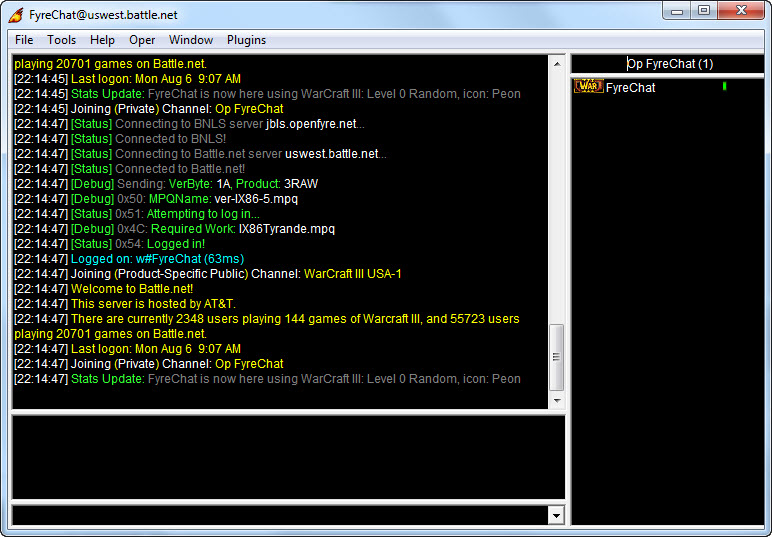
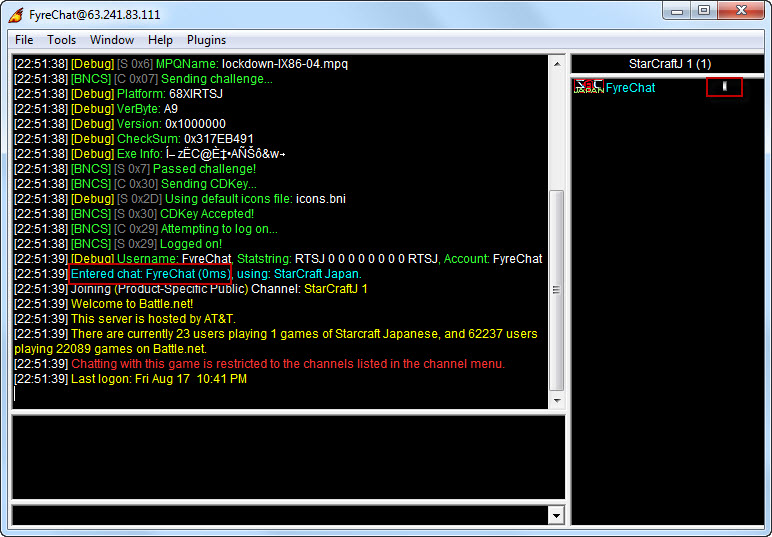
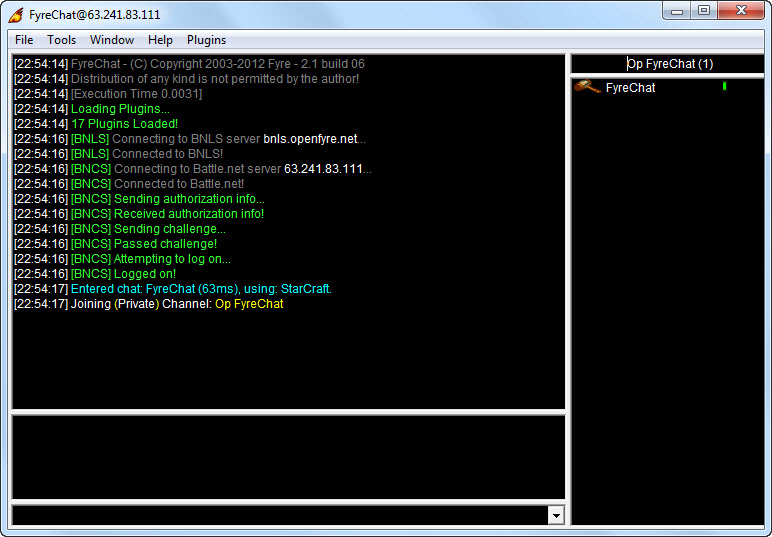
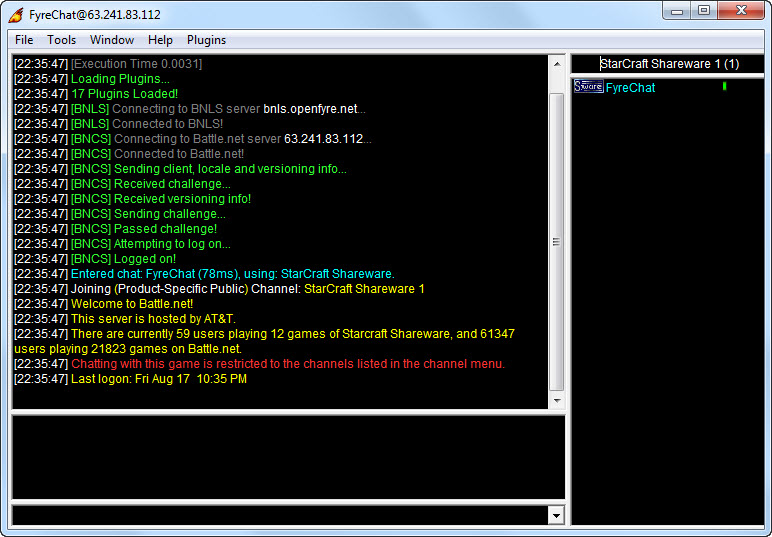
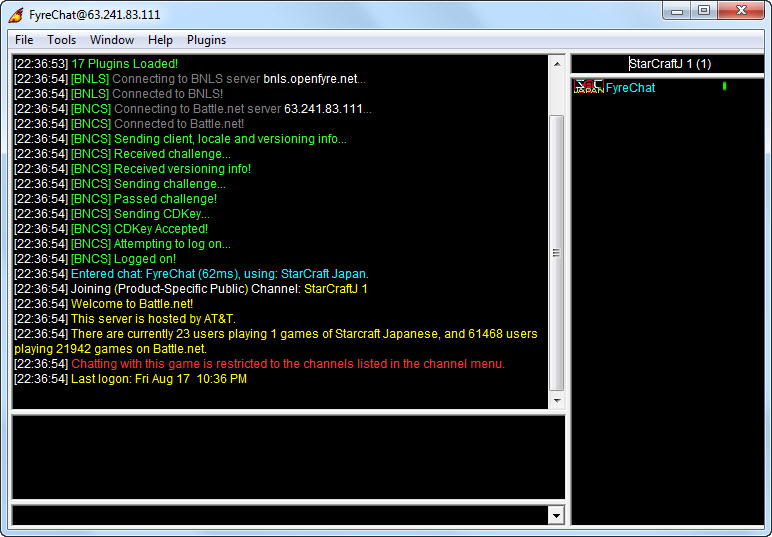
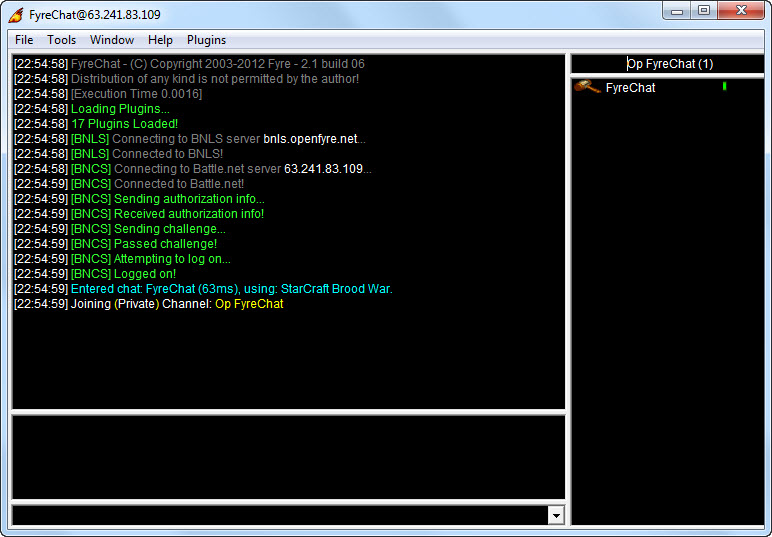
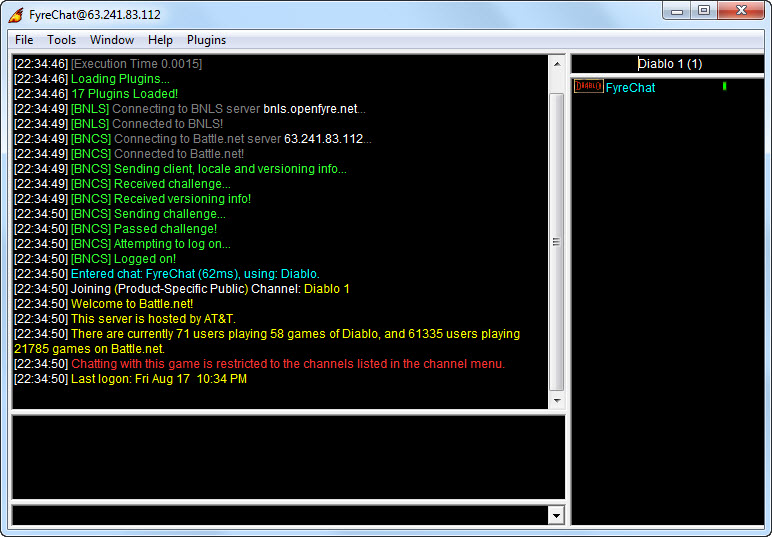
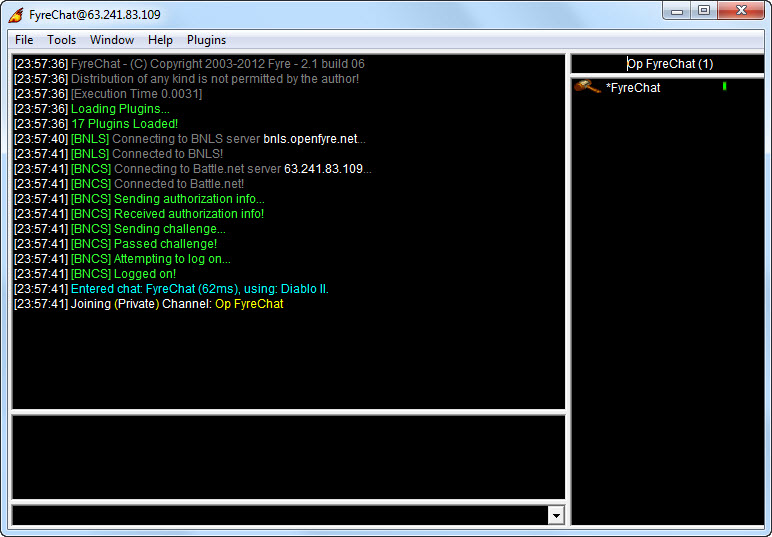
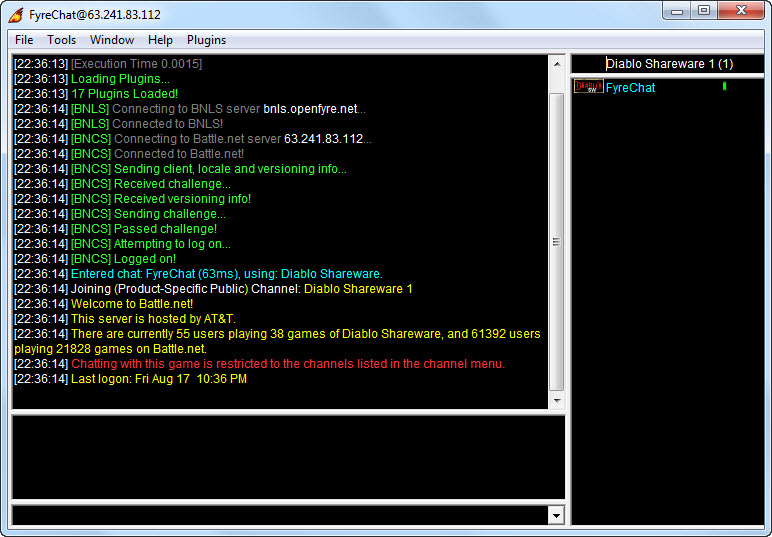
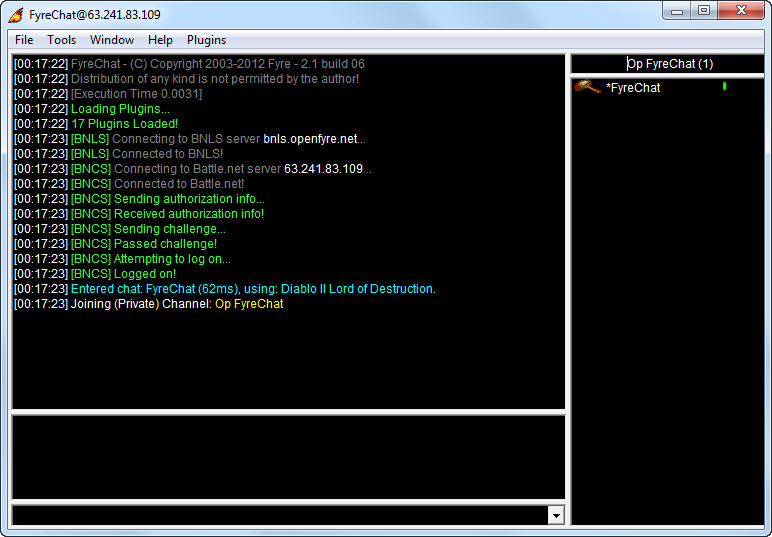
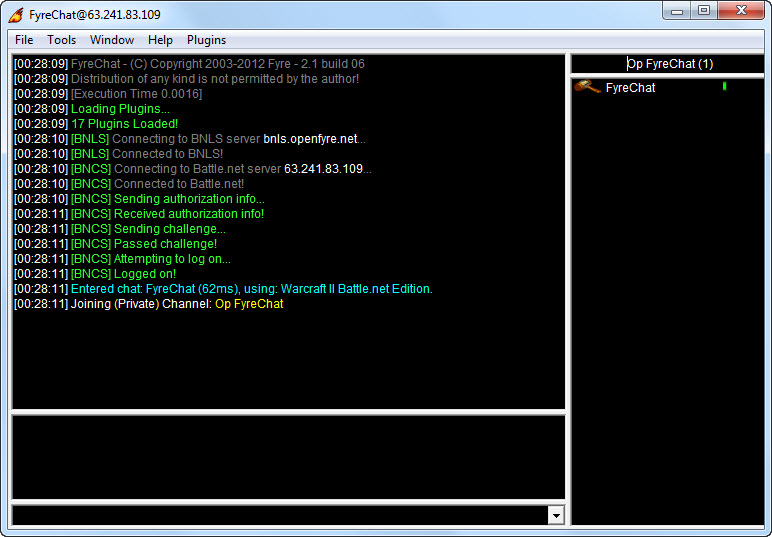
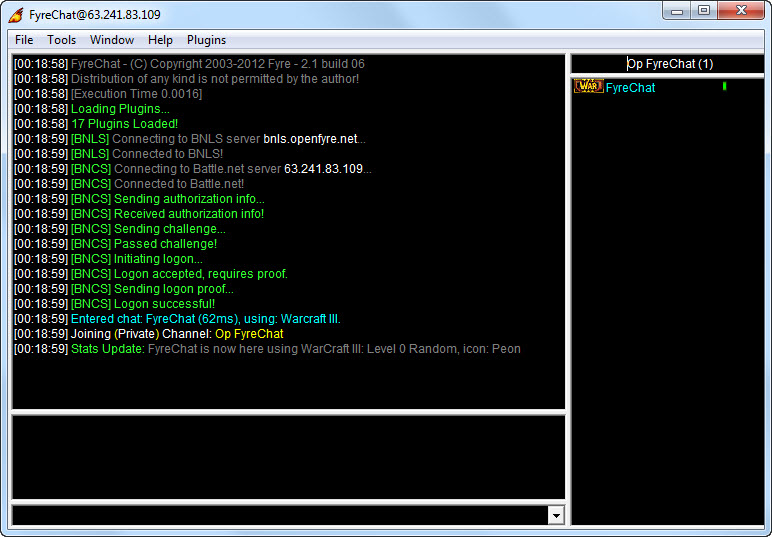
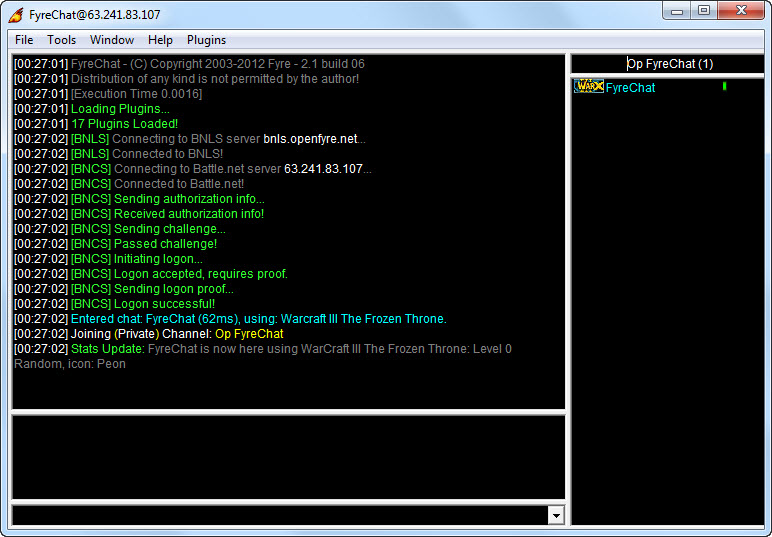
Logon screenshots from testing FyreChat against every supported client:
- Archives: